

A Complete Guide to Accessing Hulu Japan from Overseas
What Will You Learn from This Article?
- Why Hulu Japan is inaccessible directly from overseas, and how to bypass such restrictions effortlessly.
- Core steps to watch Hulu abroad using a reliable VPN (e.g., ikantan.com).
- Why downloading the Hulu Japan App is restricted overseas, and how to resolve it with a VPN.
- Specific steps for iOS and Android devices using ikantan.com VPN.
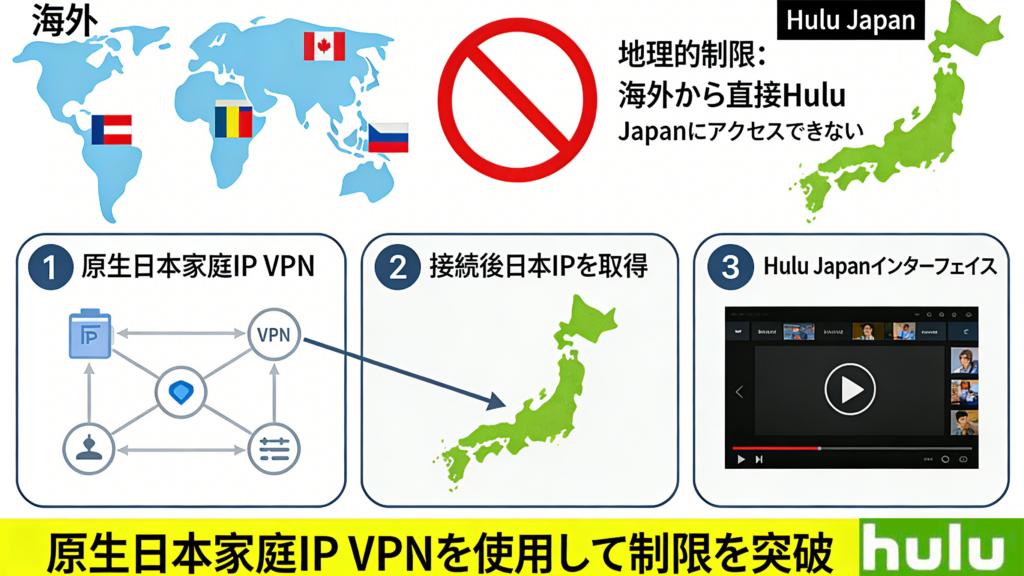
Why Can’t Overseas Users Watch Hulu Japan?
Hulu Japan is a Japan-native streaming platform offering a vast library of exclusive content: popular Japanese dramas, anime, movies, and live programs (e.g., sports events). However, due to copyright and geo-blocking restrictions, it is only accessible with a Japanese IP address. Overseas users will encounter error prompts (e.g., 403 or L-2055) and be unable to log in or play content.
Solution:Unlock Hulu Japan with a VPN – no complex tools required. Simply use a stable VPN to spoof your IP address as a Japanese one.
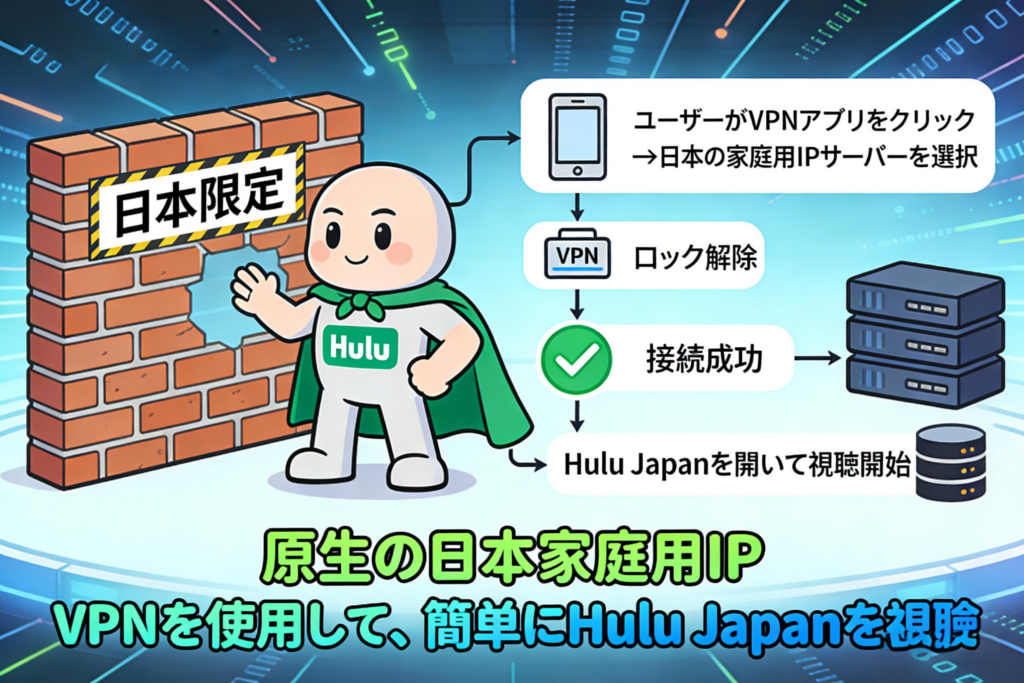
Which VPN to Use for Watching Hulu Japan Overseas?
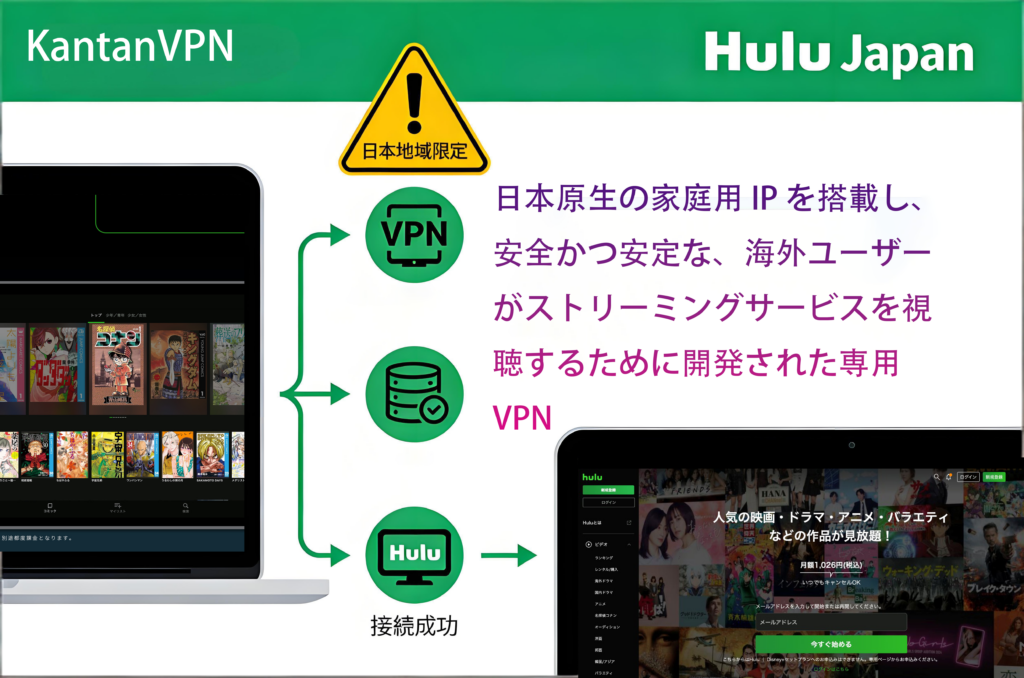
Recommended: KanTanVPN – high-speed, secure, multi-device compatible, and specially designed for overseas users. After registration, you can connect at any time.
How to Watch Hulu Japan from Overseas (4 Steps)
- Register for a VPN: Visit ikantan.com, select a suitable plan, complete quick registration, and download the App (compatible with iOS, Android, PC, and TV).
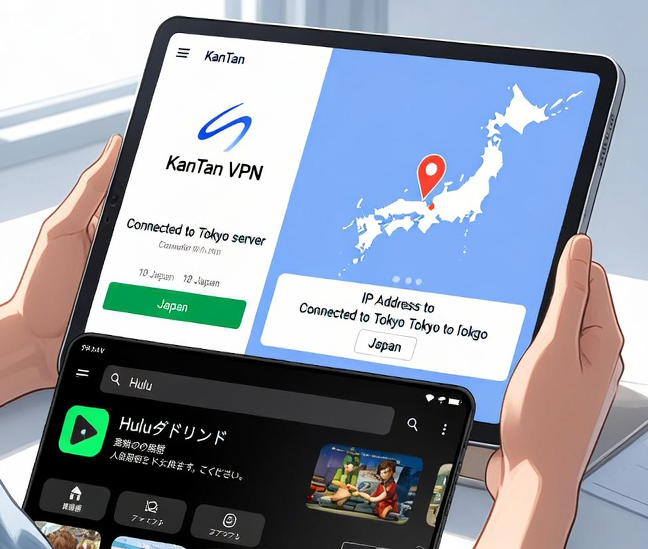
- Connect to a Japanese server: Open the App, select a Japanese server node (e.g., Tokyo or Osaka) to connect – your IP address will instantly become a local Japanese one.
- Log in to Hulu: Open the Hulu App or official website (www.hulu.jp) and log in with your existing account (no account? Register a new one with a Japanese IP address).
- Start watching: Browse content to your heart’s content! From the latest Japanese dramas to anime, everything is available – stream in high definition without buffering.
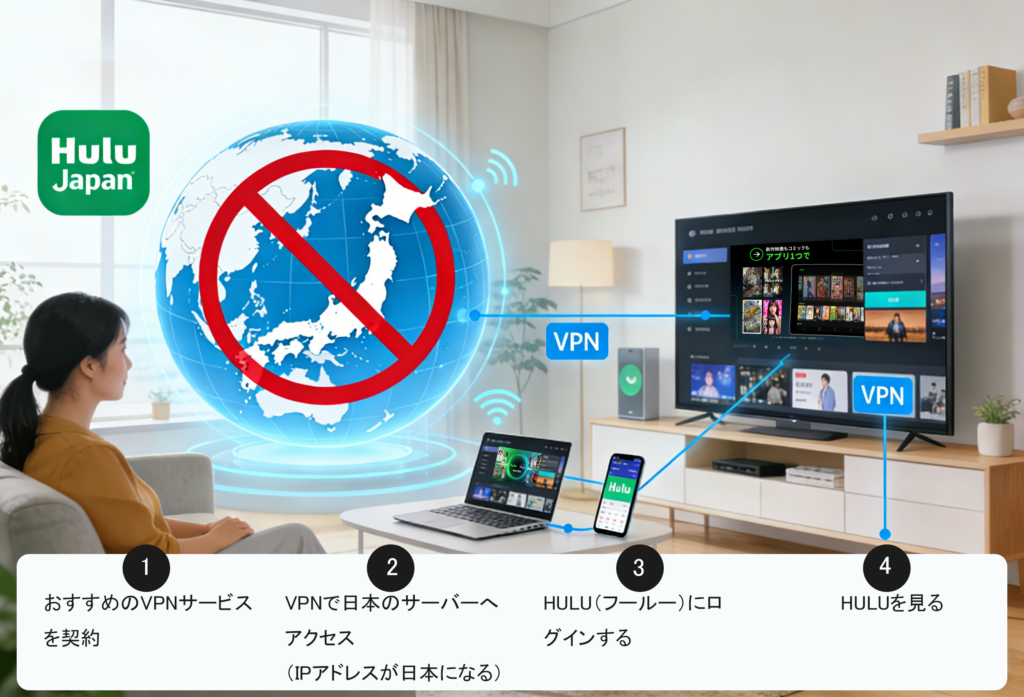
KanTanVPN
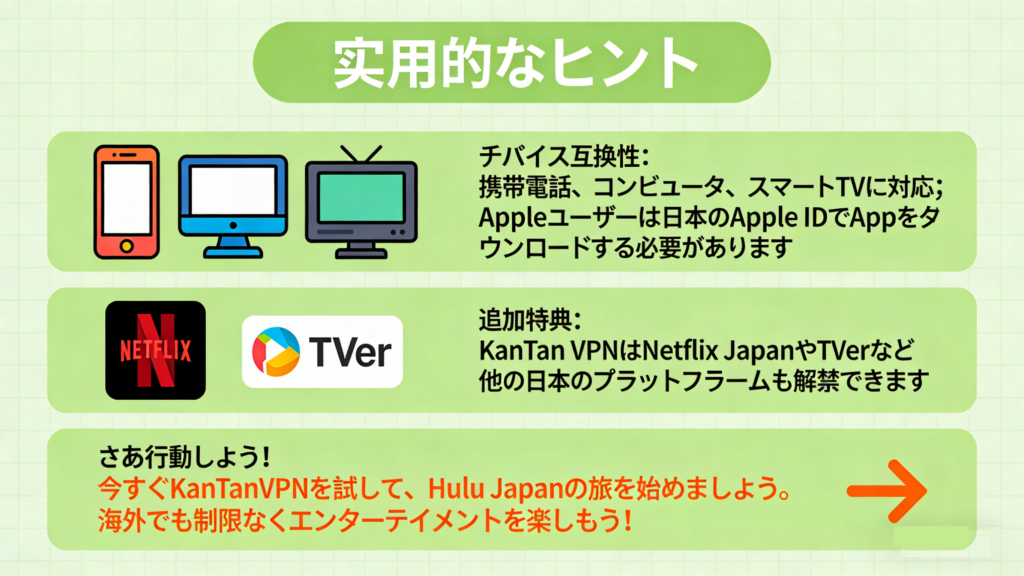
- Device Compatibility: Works on mobile phones, computers, and smart TVs; Apple users need a Japanese Apple ID to download the App.
- Additional Benefits: ikantan.com can also unlock other Japanese platforms, such as Netflix Japan or TVer.
Take action now! Try KanTanVPN immediately to start your Hulu Japan journey. Enjoy unrestricted entertainment overseas!
How to Download Hulu Japan from Overseas?
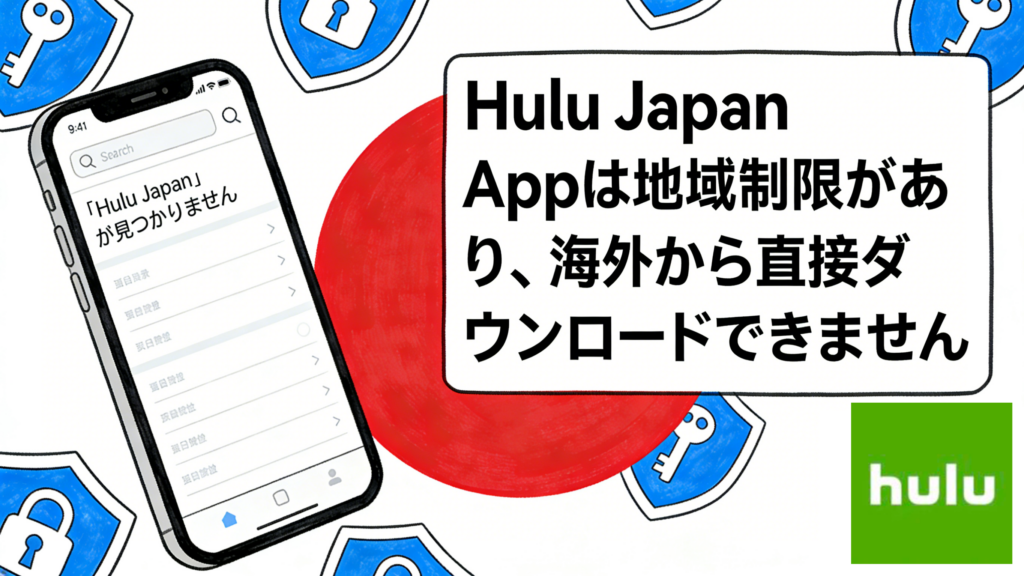
Why can’t I download Hulu Japan while overseas?
The following content answers your question!
Why Is Downloading the Hulu Japan App Difficult Overseas?
- Overseas users cannot search for or download the App directly; they need to simulate a Japanese location (IP address) or switch their account region.
- The Hulu Japan App is exclusively designed for the Japanese market and is subject to regional restrictions on the App Store/Play Store.

How to Download the Hulu Japan App (iOS & Android) from Overseas?
- iOS Version
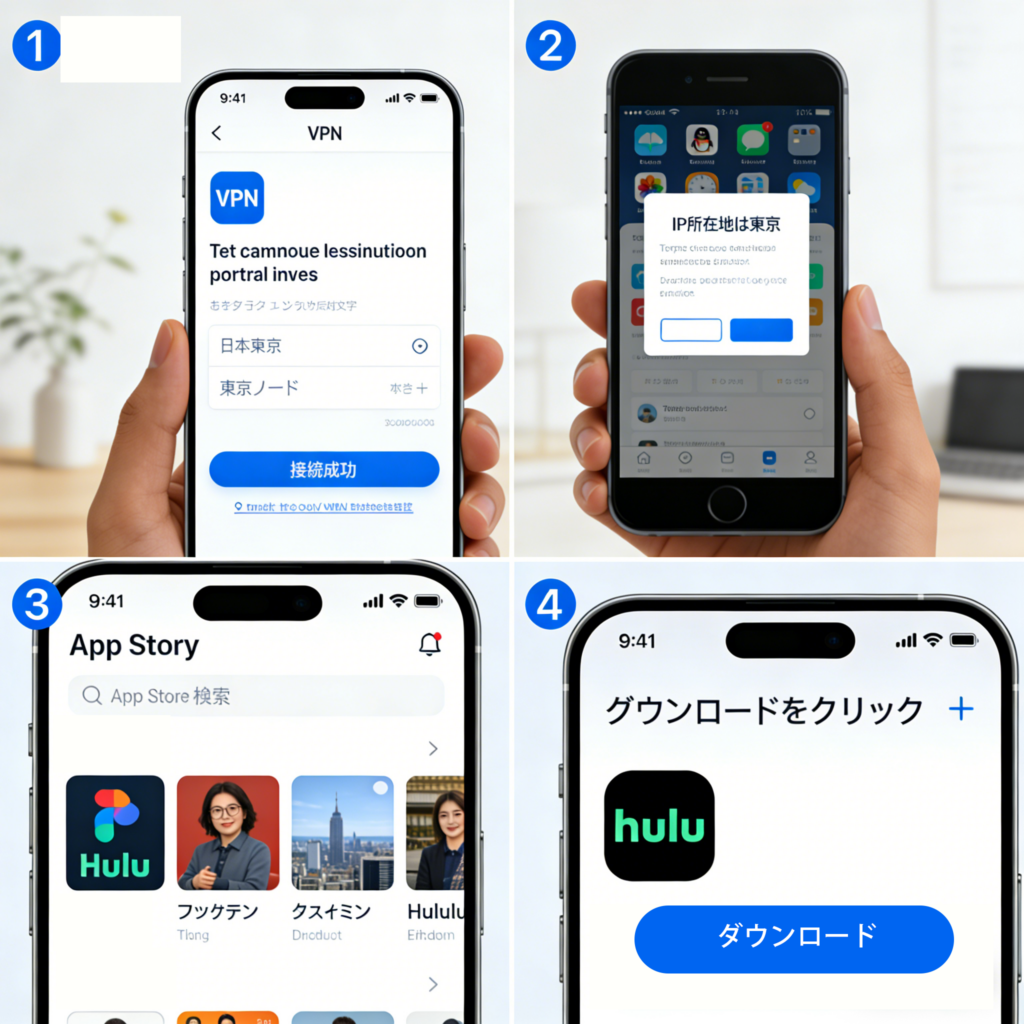
- Connect to a Japanese server using KanTan VPN to spoof your IP address as a Japanese one.
- For iOS devices (iPhone/iPad/Apple TV): Create a Japanese Apple ID by visiting appleid.apple.com, register a new APPLE ID with a virtual Japanese address (e.g., a hotel in Tokyo) (no payment information required).
- Switch App Store: Log out of your current APPLE ID and log in with the new Japanese APPLE ID. The App Store will automatically switch to the Japanese region.
- Download the App: Search for “Hulu” and download the official App.
- Watch Content: After downloading, connect to a KanTan VPN Japanese server, log in to your Hulu account and start streaming.
2. Android Version:
- Connect Android Device to VPN: Open the KanTan VPN App, select a Japanese server (e.g., Tokyo) to connect – your IP address will change to a Japanese one.
- Adjust Play Store: Clear Play Store data (Settings > Apps > Play Store > Storage > Clear Data). Restart the App, and it will display Japanese content based on your Japanese IP address.
- Download the App: Search for “Hulu” and download it.
- Watch Content: Keep the VPN connected, log in to your Hulu account, and enjoy Japanese dramas, anime, and more.

Using kantanVPN allows you to unblock these Japanese online TV platforms from abroad:







Frequently Asked Questions(FAQ)
The Japanese version of Hulu has geographic restrictions (geo-blocking), making it generally inaccessible from overseas. Use a VPN to connect to a Japanese server and acquire a Japanese IP address for access. Steps: Subscribe to a VPN service. Download and launch the VPN application. Connect to a Japanese server. Log in to Hulu and start watching. Recommended VPN: KantanVPN.
Hulu may detect the VPN and display errors (e.g., L-2055, 1301, 2105, 403). Solutions: Switch to another Japanese server. Wait a moment and retry. Switch to a verified effective VPN (such as KantanVPN). Many VPNs provide a 30-day money-back guarantee for trials. Avoid free VPNs due to insufficient servers or Hulu’s countermeasures, which often prevent viewing.
In Japan, the use of VPNs is legal. However, in certain countries (such as Russia, North Korea, etc.), VPNs may be prohibited. Additionally, Hulu’s official terms prohibit VPN usage, posing a risk of account suspension. Please use at your own responsibility.
It is not recommended. Free VPNs have limited servers and are often impacted by Hulu’s VPN countermeasures, making viewing difficult. Furthermore, there are risks associated with logging and security (such as personal information leaks). Please use paid and verified effective VPNs, such as KantanVPN.
Yes, it is necessary. Disconnecting the VPN will revert to an overseas IP address, preventing continued viewing. Please maintain a stable connection.
Yes, it is possible. Install the VPN application, connect to a Japanese server, and then view through the Hulu app. Supports iOS and Android.
Yes, it is possible. Use WiFi-enabled devices such as Fire TV Stick, configure the VPN on the router or device, and then watch using the casting feature.
Violating Hulu’s terms may result in account suspension. Communication encryption enhances security, but avoid free VPNs. Register and test the VPN beforehand. Select a high-speed VPN for live streaming. When registering for Hulu anew during an overseas stay, use a VPN to obtain a Japanese IP address.